![BuyerBridge_LOGO-dark-2.png]](https://support.buyerbridge.com/hs-fs/hubfs/BuyerBridge_LOGO-dark-2.png?height=40&name=BuyerBridge_LOGO-dark-2.png)
The following list aims to keep track of which widgets are currently tracked and at what interval we trigger the lead event to Facebook:
1. Clicking a phone number or email

When a page loads BuyerBridge will try to find all phone numbers and emails to enable a script that watches for clicks on them. To test this, find any phone number on a dealer’s page and click it. You should see a lead reported within Facebook’s Pixel Helper.
2. Interacting with a widget (Chat, Trade Value, Financing) for more than 10-20 seconds

BuyerBridge attempts to track widget interactions by watching for engagement within each widget.
If a widget is being properly tracked you should see a lead event trigger after roughly 10-20 seconds of being “focused” within a widget.
Note that the “lead” threshold varies by widget based on averages.
3. Submitting a form that contains a phone or email
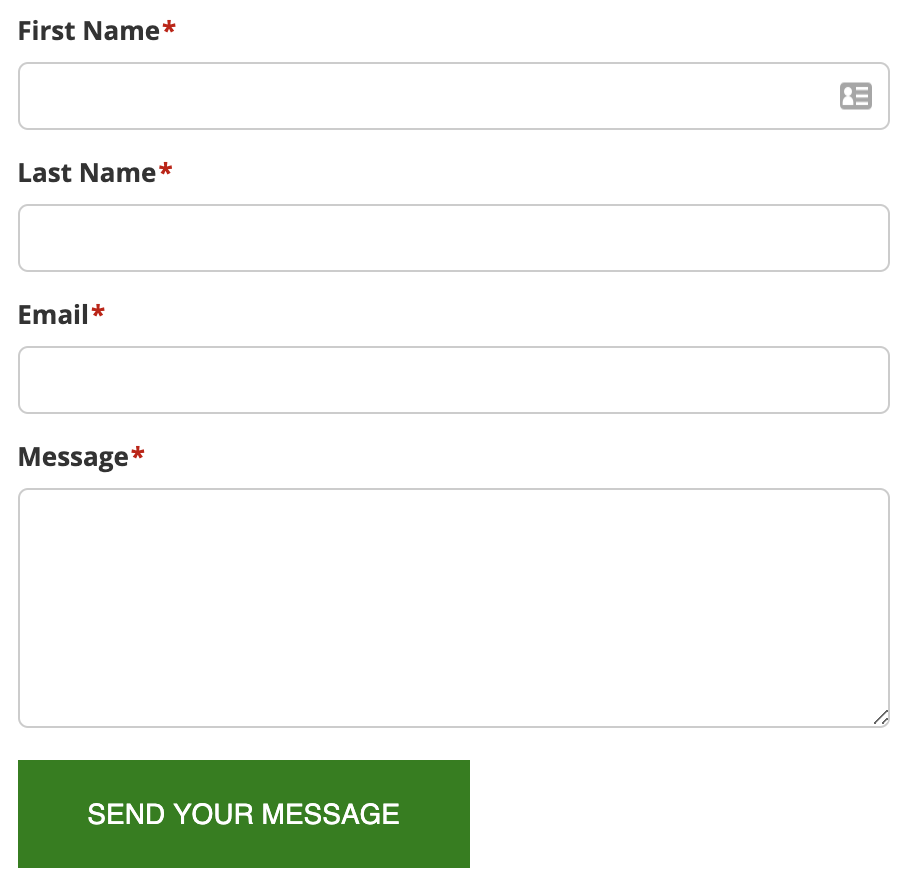
BuyerBridge will try to identify any form submission that contains a phone or email address. To test this feature, fill out a form with test data and ensure there’s either a phone or email somewhere in the submission (e.g. test@test.com).
Note that BuyerBridge will also trigger lead events on conversion pages but those are never duplicated with form submissions.